FigureLabs Brand Assetsand Guidelines
This guide provides best practices for using the FigureLabs brand to enhance its impact and visibility. Downloadable assets are also available.
Logo Pack

By downloading you agree you have read and accept the applicable guidelines and other terms for use.
Brand name
Use FigureLabs as the official brand name in all copy. Write it as one word with a capital "F" and capital "L".
Use figurelabs.ai or www.figurelabs.ai as the official website URL. Do not use "Figure Labs", "figurelabs", or "chat.figurelabs.ai".
Logo
The FigureLabs wordmark is our primary identifier. Use it whenever space allows. Keep it horizontal, clear, and surrounded by generous space.
Legibility: Black & White
Use the black wordmark on light backgrounds, including white and soft imagery. Use the white wordmark on dark or complex backgrounds.
Clear space
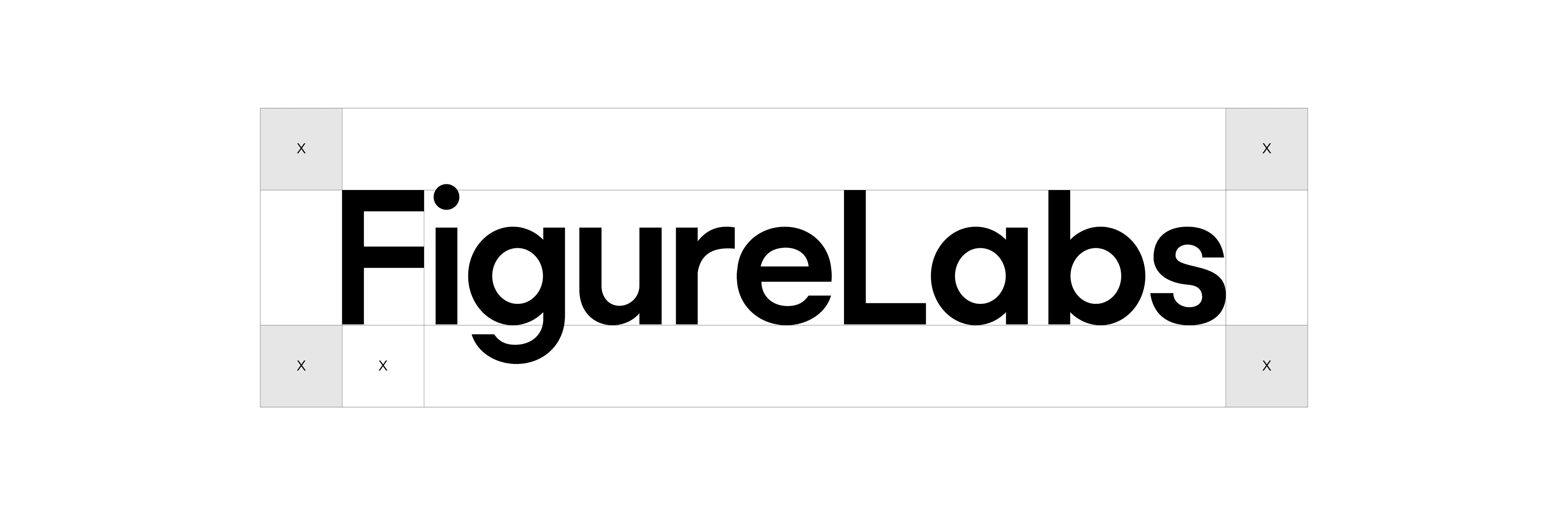
Keep at least the height of the lowercase "e" around every side of the wordmark. This protects recognition and keeps the logo distinct from nearby elements.
Don'ts
The following are common misuse cases for the FigureLabs wordmark.
- Do not place the symbol next to the wordmark. The wordmark should stand alone.
- Do not stack the symbol and wordmark vertically.
- Do not replace the "F" in the wordmark with the symbol.
- Do not recreate the wordmark in another font.
- Do not squeeze or stretch the wordmark.
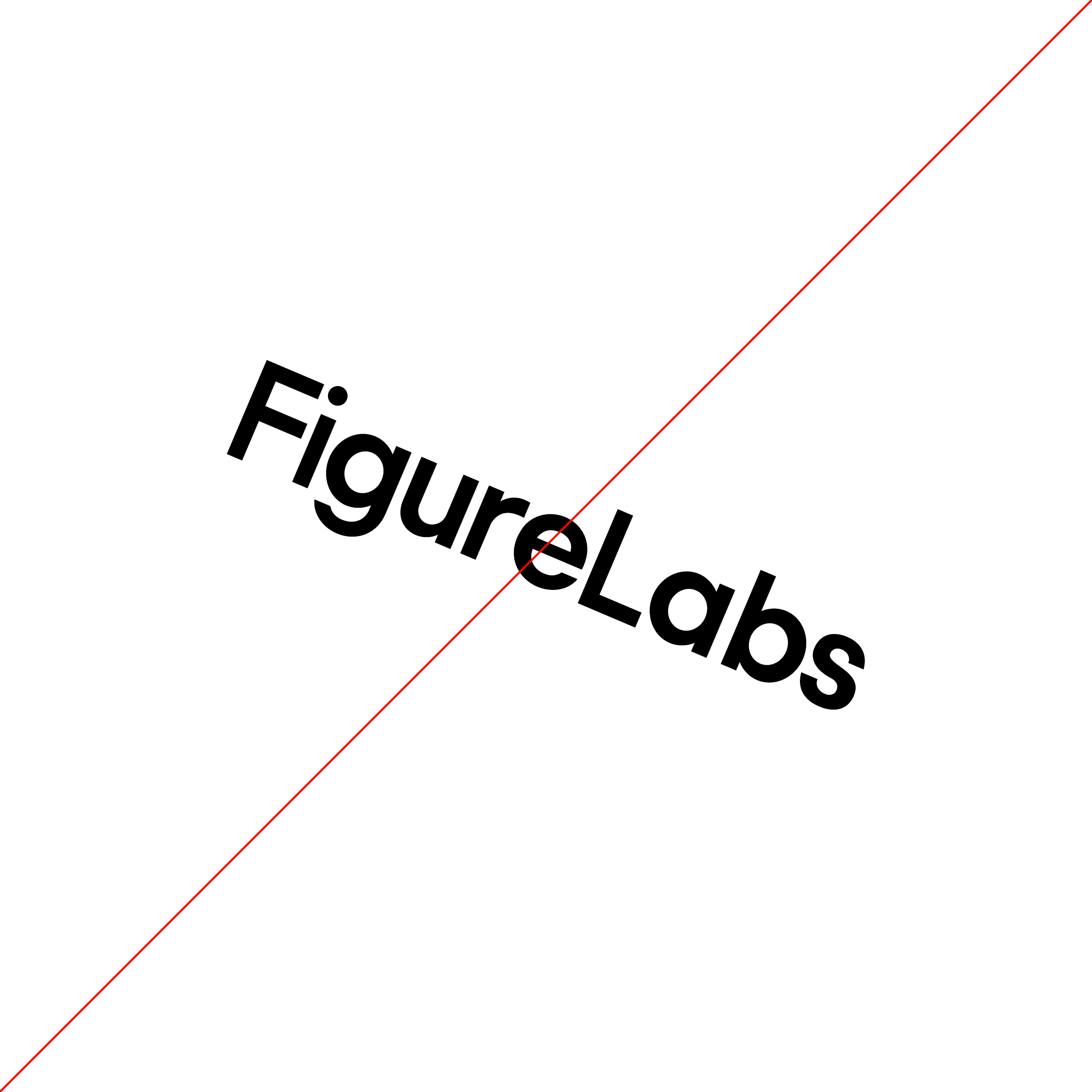
- Do not rotate the wordmark.
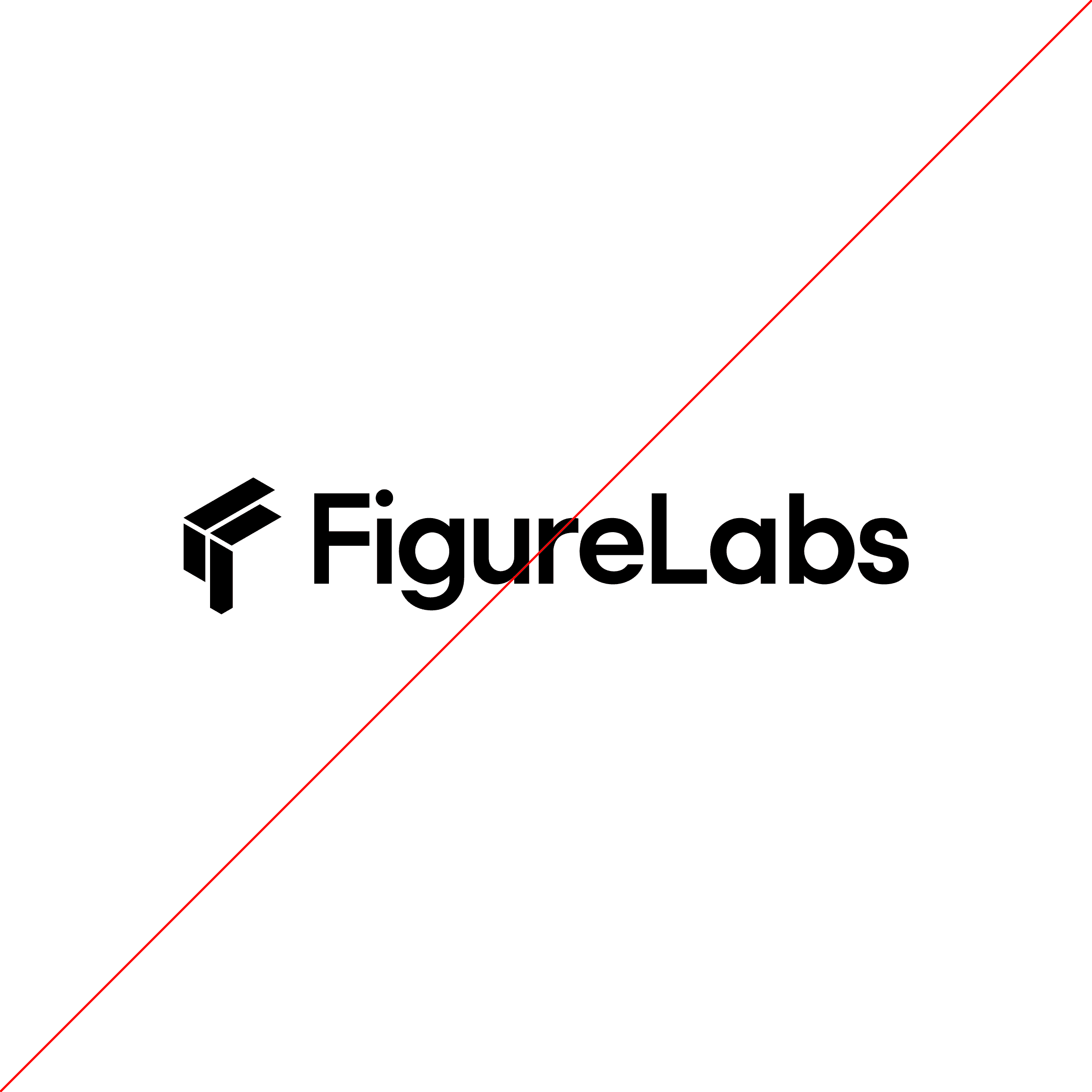
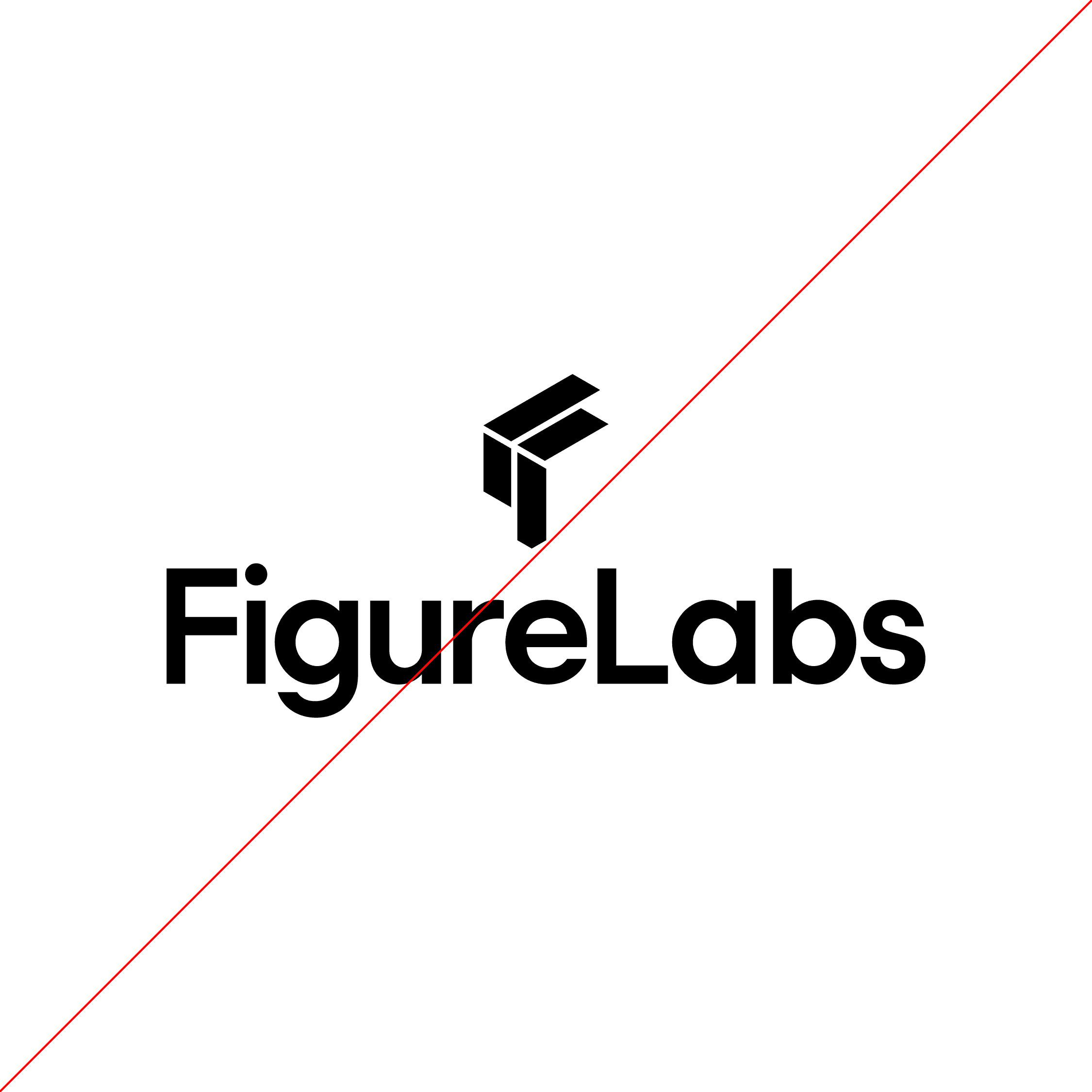

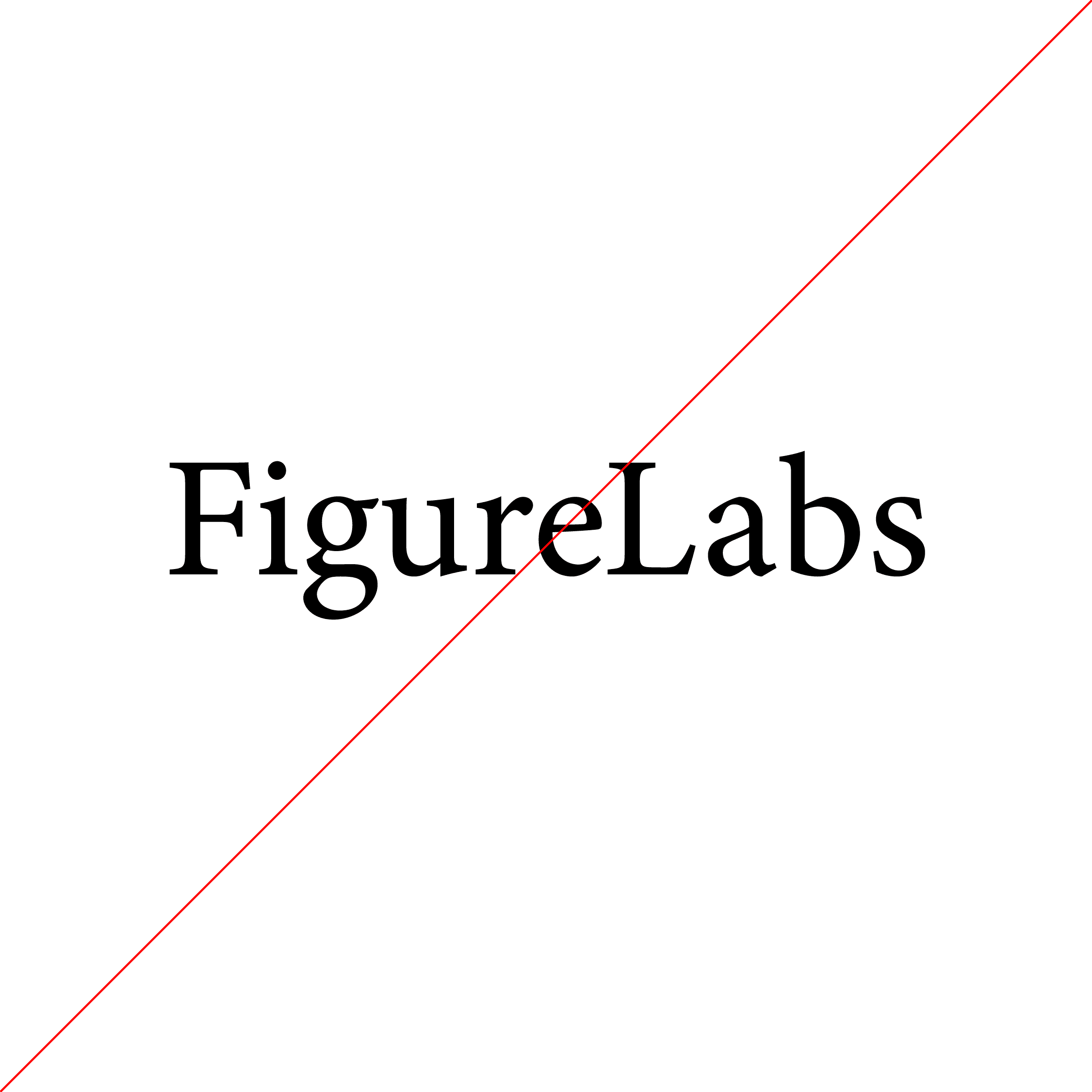
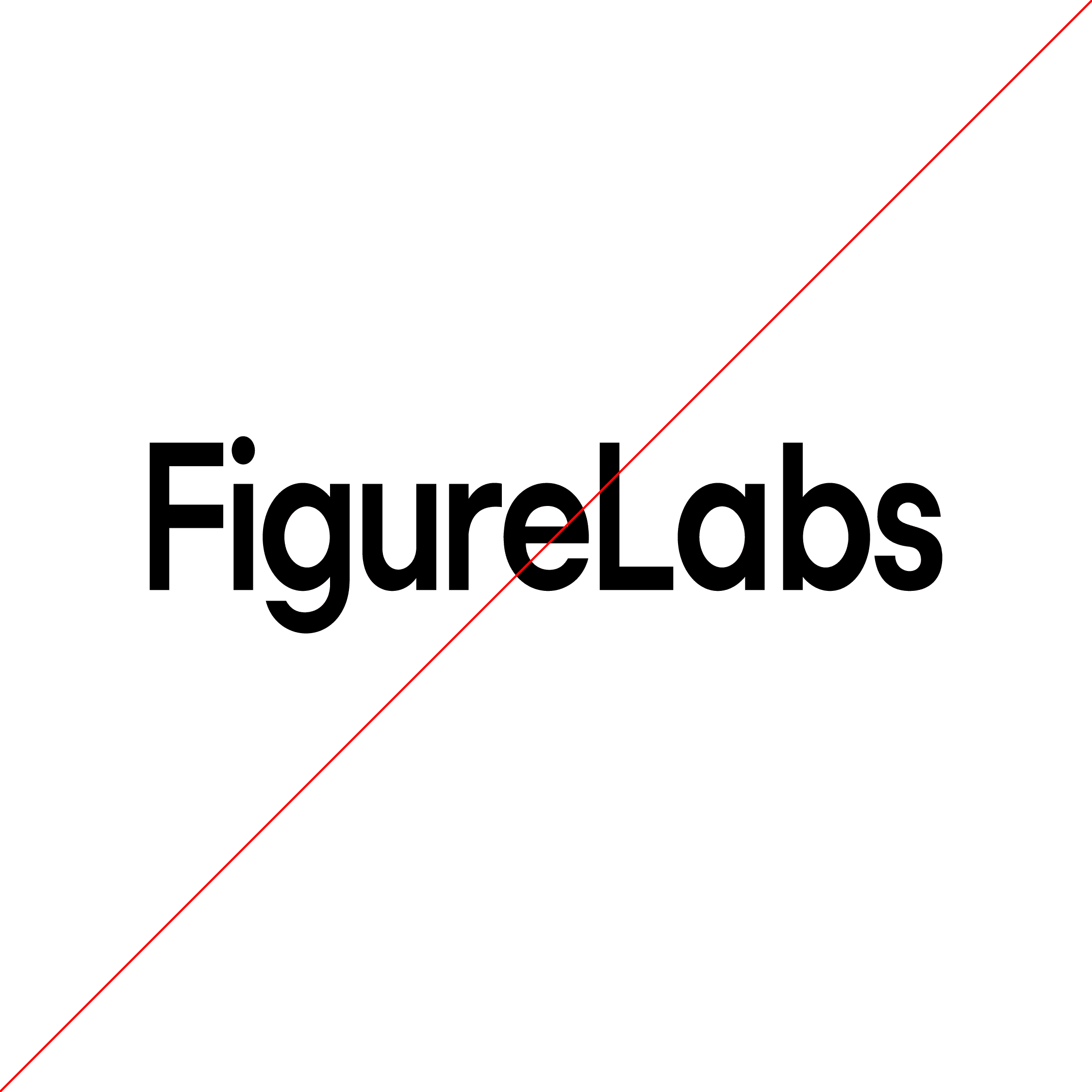
Partner lockup
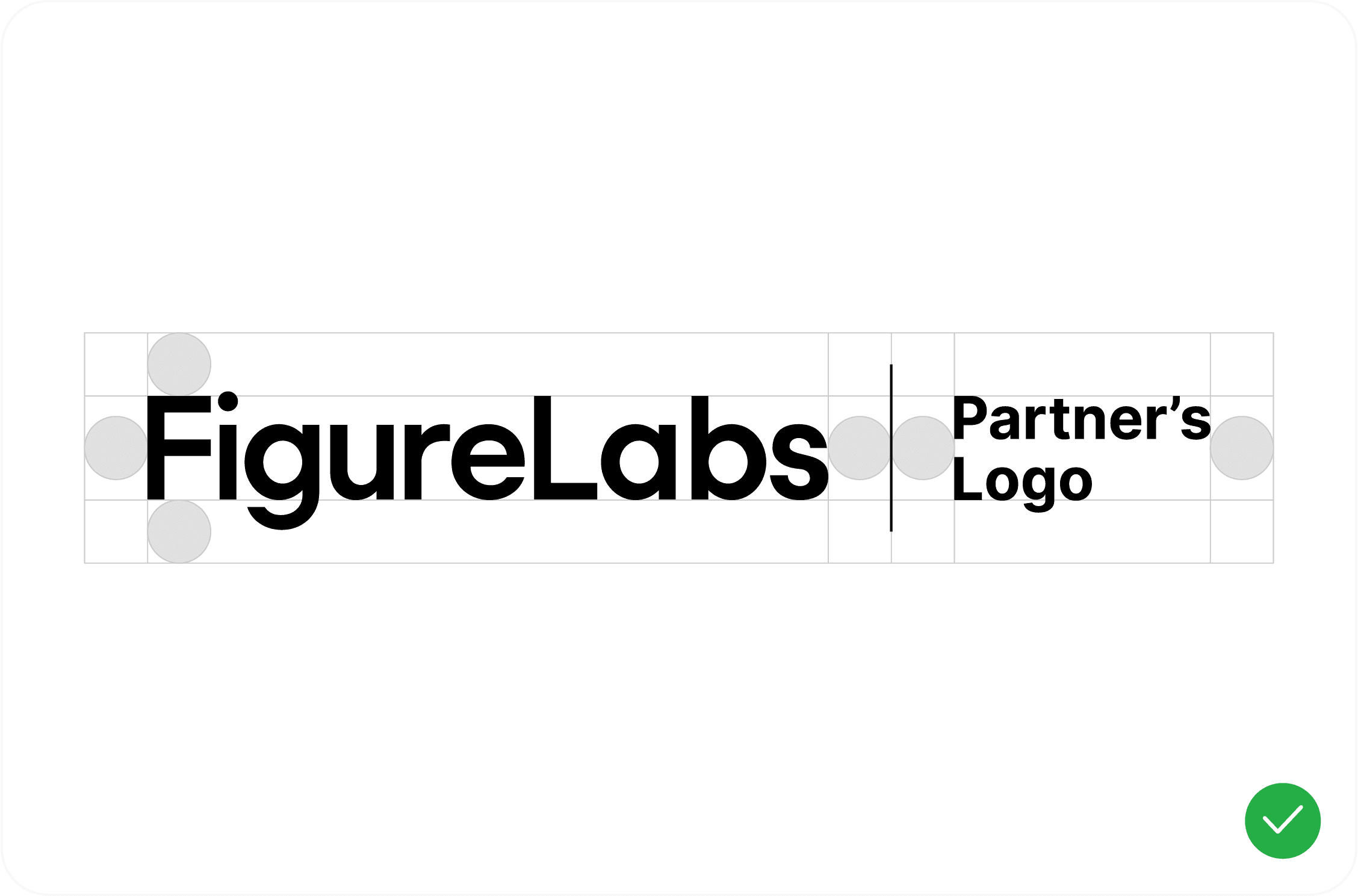
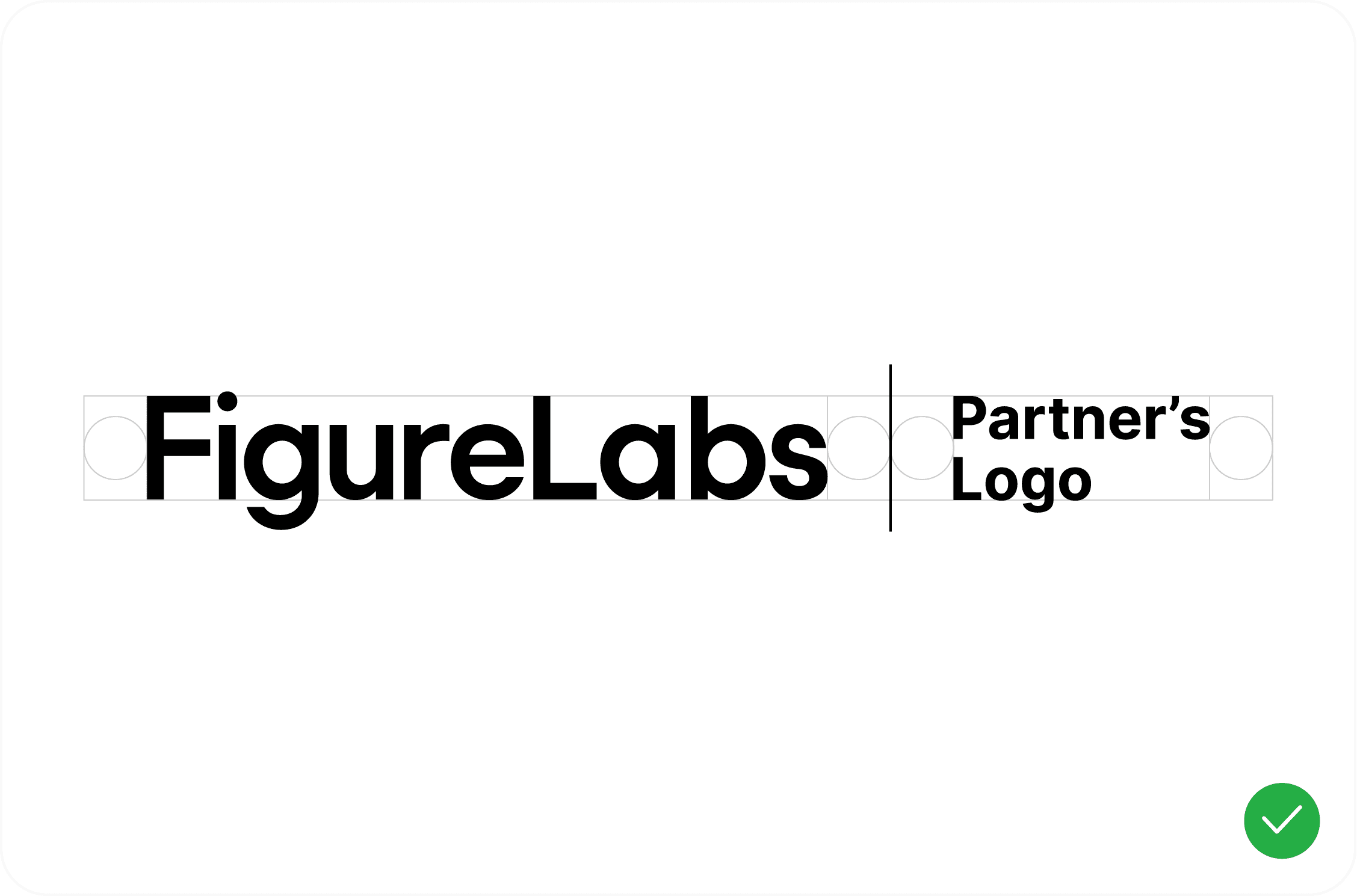
Keep FigureLabs and partner marks balanced and separate. Use the approved divider, align both marks, and keep spacing consistent.
Dos and Don'ts: Brand partnerships
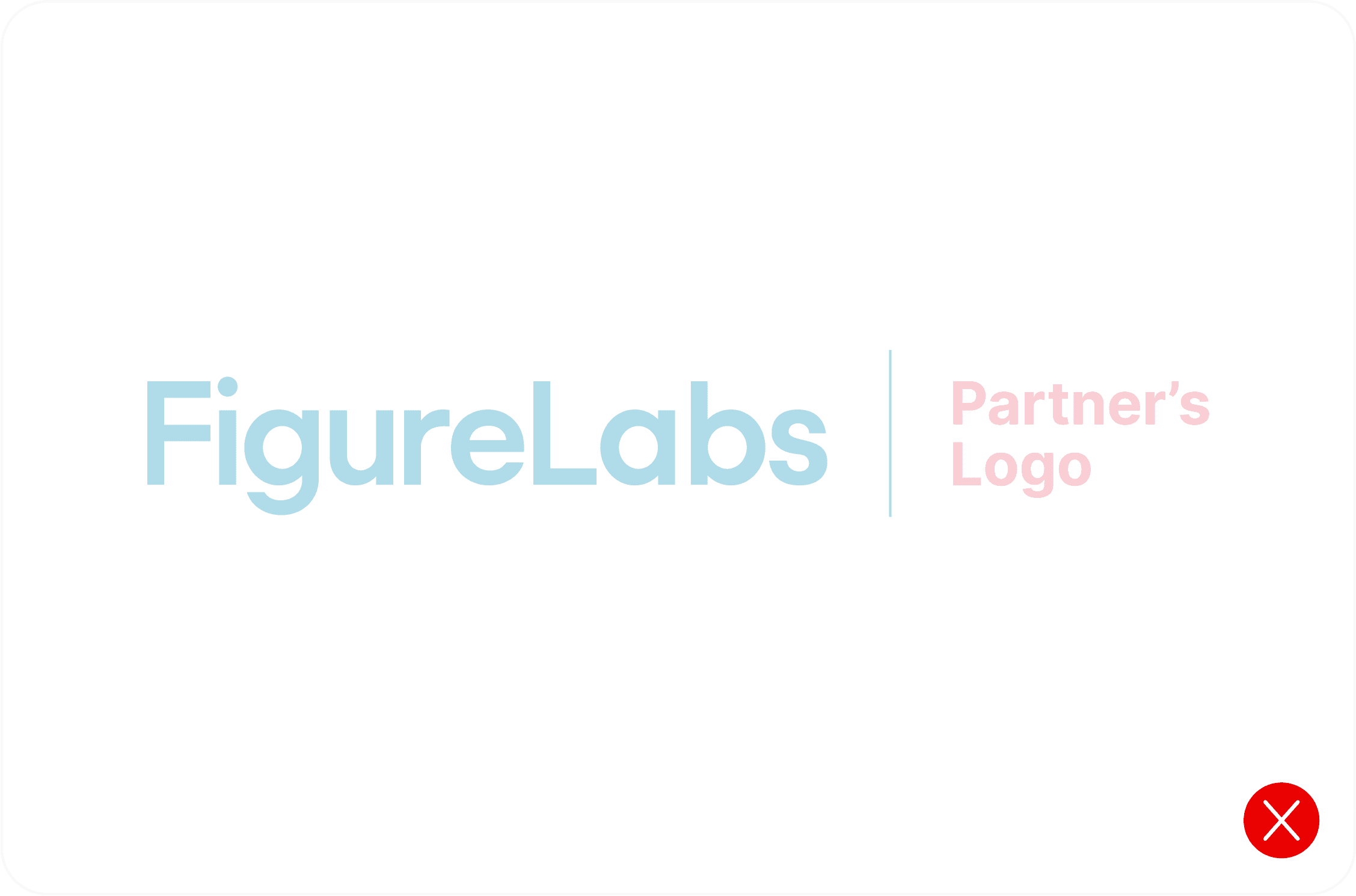
- DON'T add extra colors to the partnership lockup.
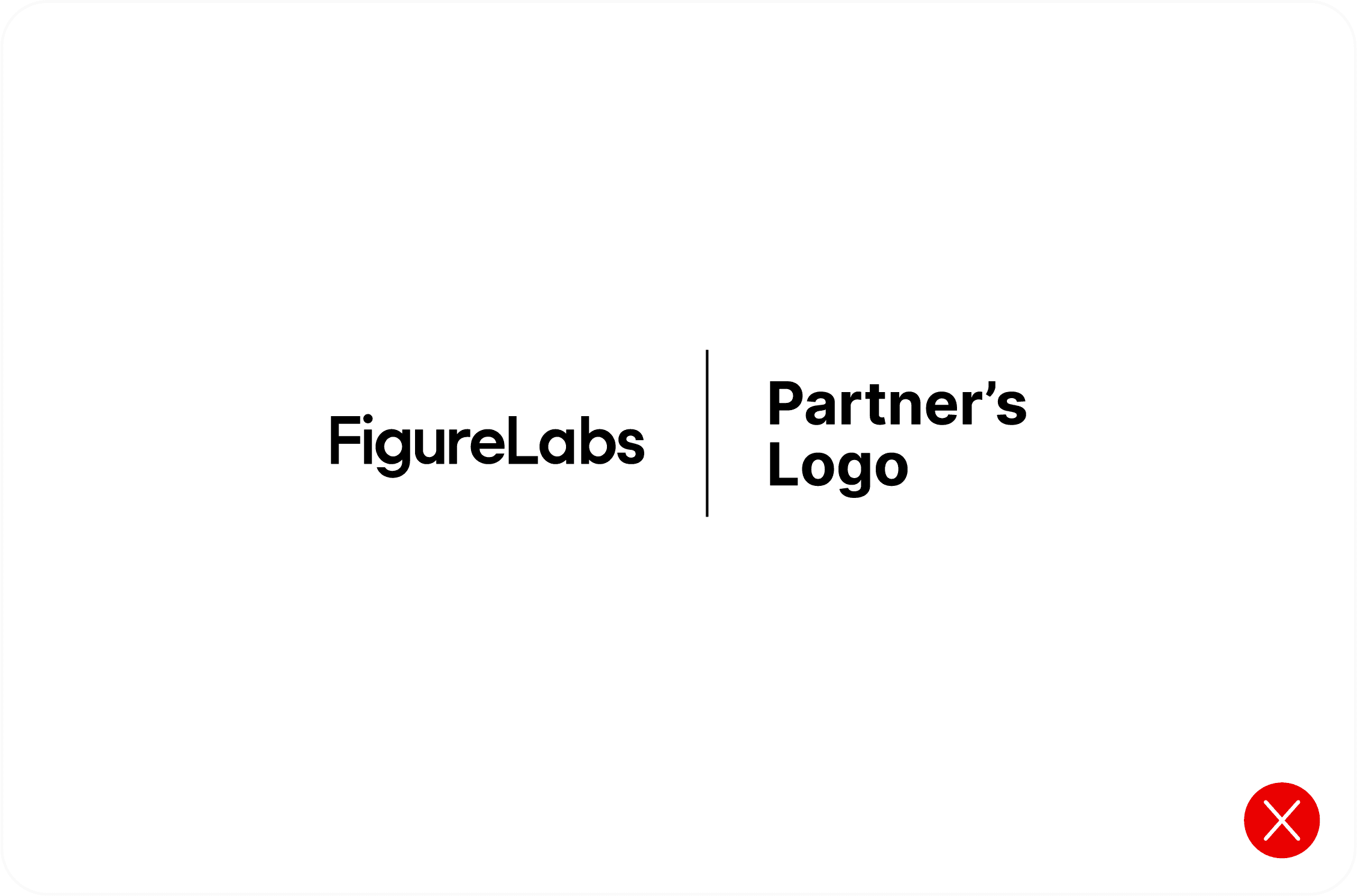
- DON'T use wordmarks at noticeably different sizes.
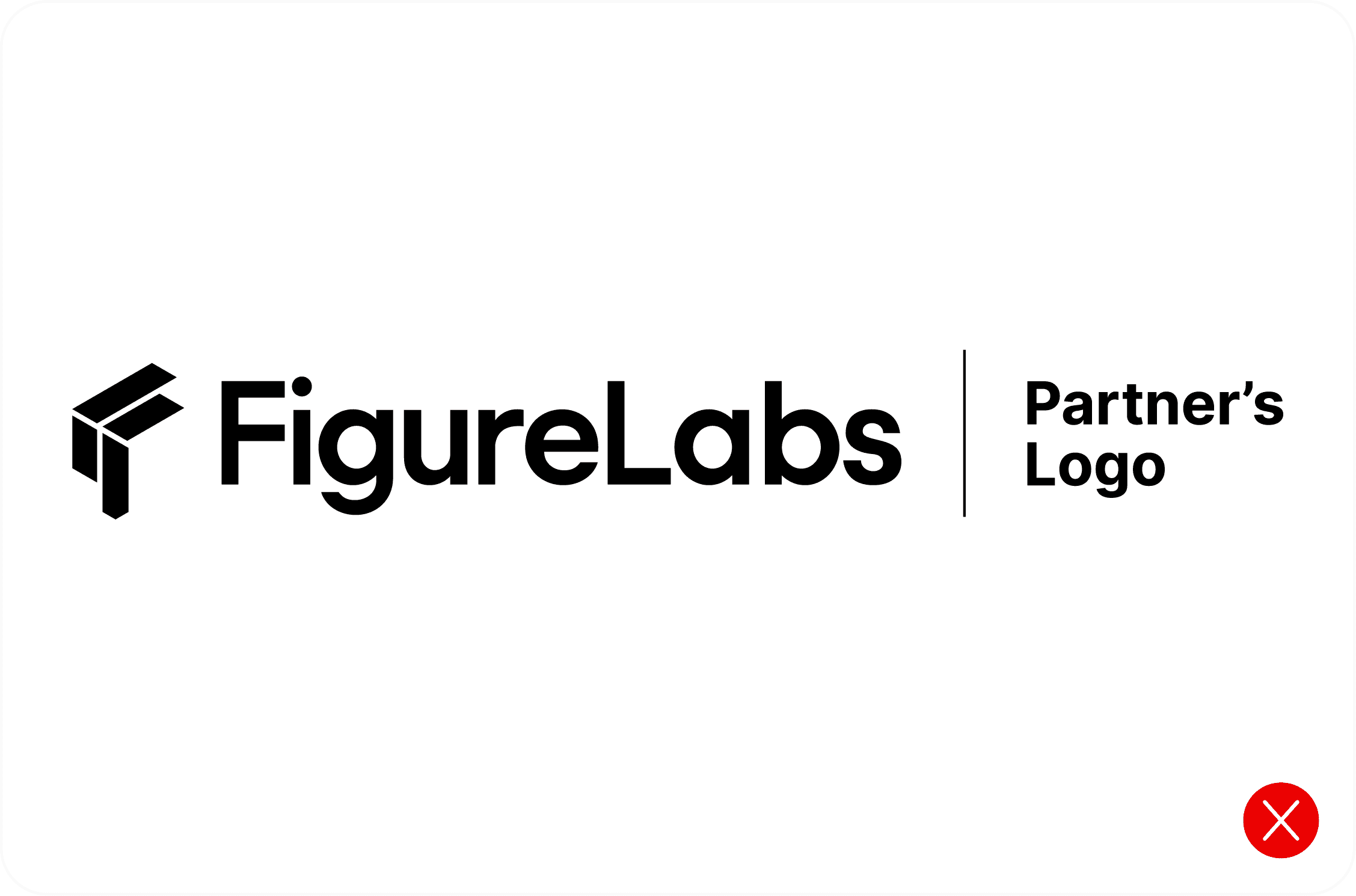
- DON'T add decorative elements to the partnership lockup.
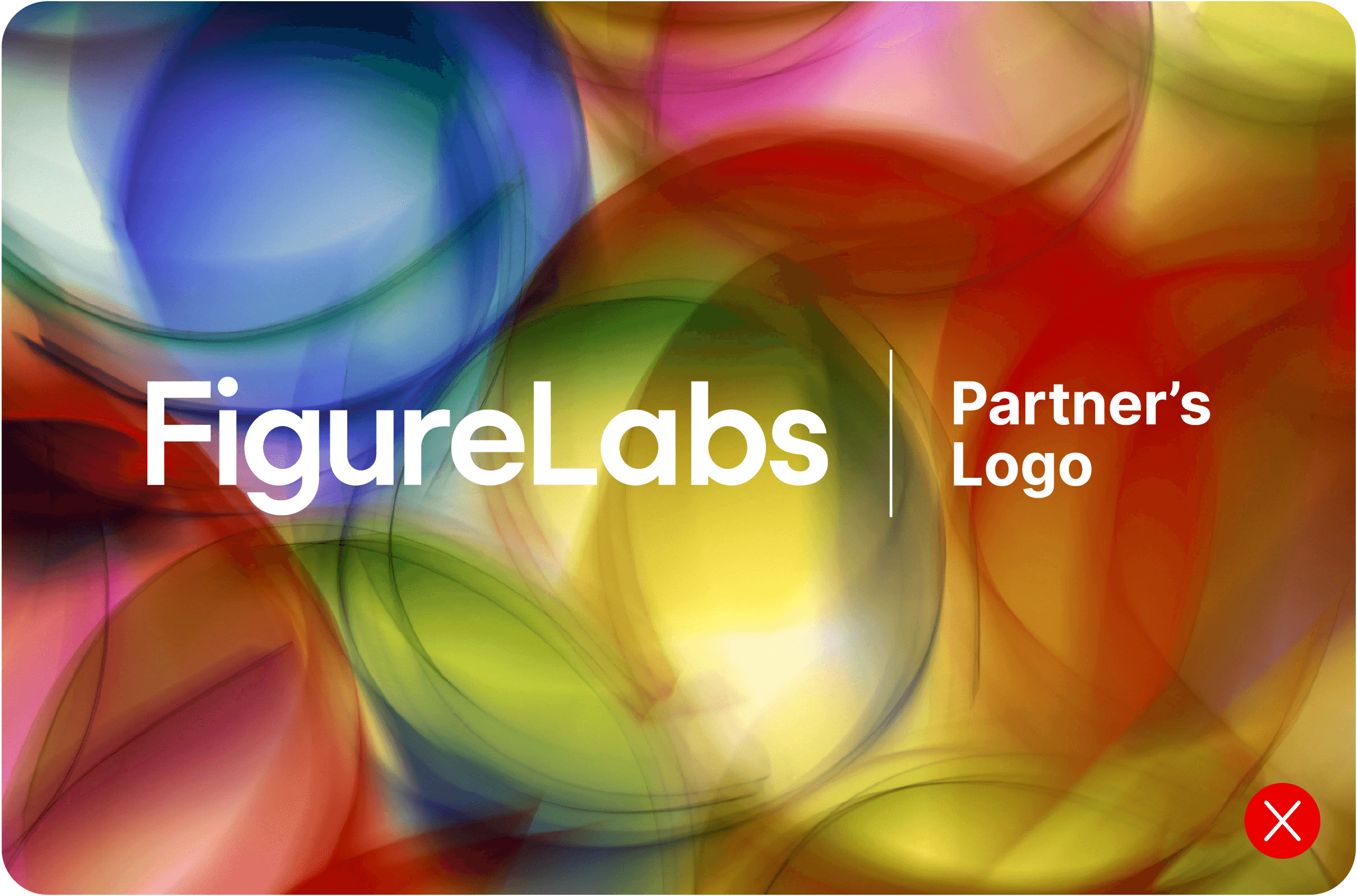
- DON'T place the partnership lockup over a busy image.
- DO use the established spacing rules.
- DO keep the wordmarks the same height.
Symbol usage
Use the FigureLabs symbol in compact UI placements, avatars, favicons, and other spaces where the wordmark cannot remain legible. The symbol is a recognizable shorthand for FigureLabs; it is not a replacement for the full wordmark in primary brand moments.


By downloading you agree you have read and accept the applicable guidelines and other terms for use.
Contact us